All Blogs

How to Add a Contact Form to a Canva Website (4 Steps, 2026)
Learn how to add a Contact Us form to your Canva website using Formester. A simple, no-code guide to collect leads and grow your business easily.

How to Make a Pie Chart in Google Forms (3 Methods, 2026)
Want to make pie charts with Google Forms data? This guide shows you how to turn responses into visual insights fast.
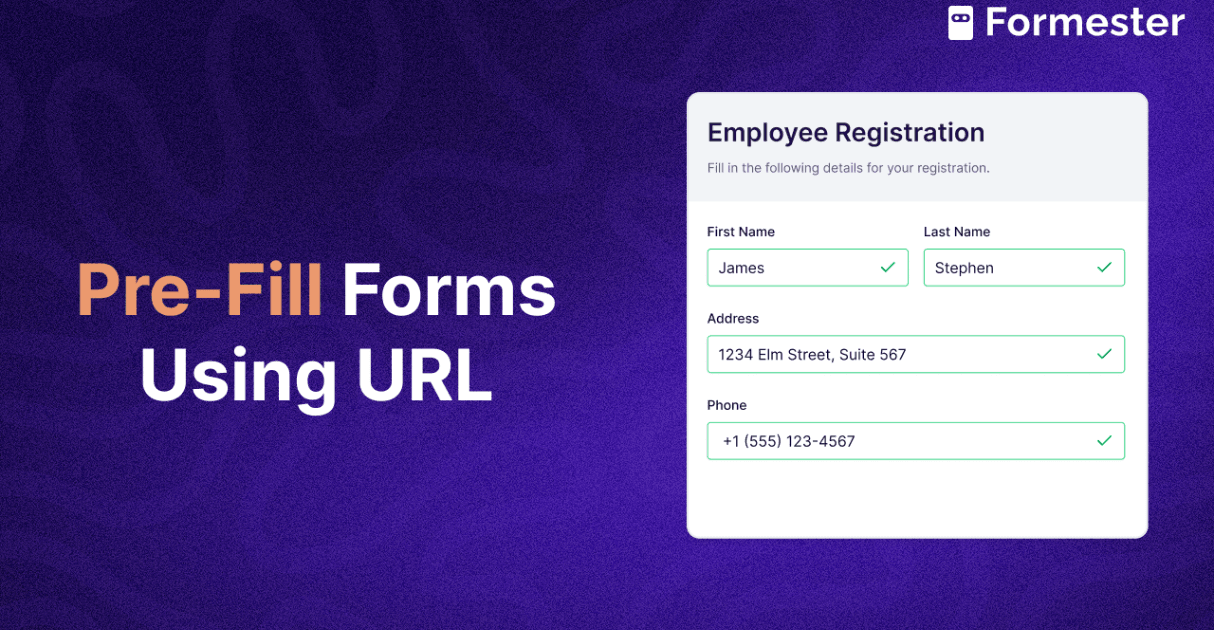
How to Pre-fill Form Fields by URL Parameters (Google Forms + Formester, 2026)
Speed up form filling with URL parameters. This guide shows you how to auto-fill form fields and improve the user experience instantly.

How to Set Up Auto Email Response on Form Submissions (2026 Guide)
Find out how to set up automatic email responses on form submissions using Formester’s email auto responder. Perfect for invoices, followups and many more!

How to Use Google Forms (2026 Complete Guide for Beginners)
Learn how to use Google Forms with this complete guide! From creating forms to customizing, sharing, and analyzing responses, master every step to build effective forms for any purpose.

How to Make a Poll on Google Forms (6 Steps, 2026)
Step-by-step guide to creating a poll using Google Forms. Set questions, customize options, and start collecting responses in minutes.

How to Create a Questionnaire in Google Forms (Easy Steps!)
Create a professional questionnaire in Google Forms easily! Follow simple steps to build, customize, and share surveys for feedback, research, or quizzes. Step-by-step guide to building a questionnaire in Google Forms with screenshots and a video walkthrough. Plus a clear questionnaire vs survey vs form comparison, and when Formester is the better choice.
All 17 Google Forms Templates (and What to Use When They Run Out)
Every template in the Google Forms gallery, all 17 across Work, Personal and Education, with a screenshot of each, what it is good for and where it stops. Plus what to use when the gallery runs out.

How to Create a Sign Up Sheet in Google Forms (8 Steps, 2026)
Create a signup sheet in Google Forms with ease! Follow simple steps to collect names, emails, and responses for any event or activity in minutes.