
All Blogs
How to Create an Online Form from a PDF (No Rebuilding)
Create an online form from a PDF in minutes. Upload it, let AI detect the fields, and share a mobile-friendly form by link or QR. No manual rebuilding.
How to Create an Evaluation Form in Google Forms
Create an evaluation form in Google Forms: rating scales, quiz mode for scored evaluations, and ready-to-use questions for employee, course, teacher, and event evaluations.
How to Use Response Validation in Google Forms (With Examples)
Set up response validation in Google Forms: number, text, length, and regex rules, copy-paste regex patterns for phone numbers and dates, checkbox limits, and what validation can't catch.
CAPTCHA for Google Forms (and Why There Isn't One)
Google Forms has no CAPTCHA setting and no reCAPTCHA integration. Here is what the spam-blocking options actually are, why the regex trick keeps getting recommended, and when to move the form.
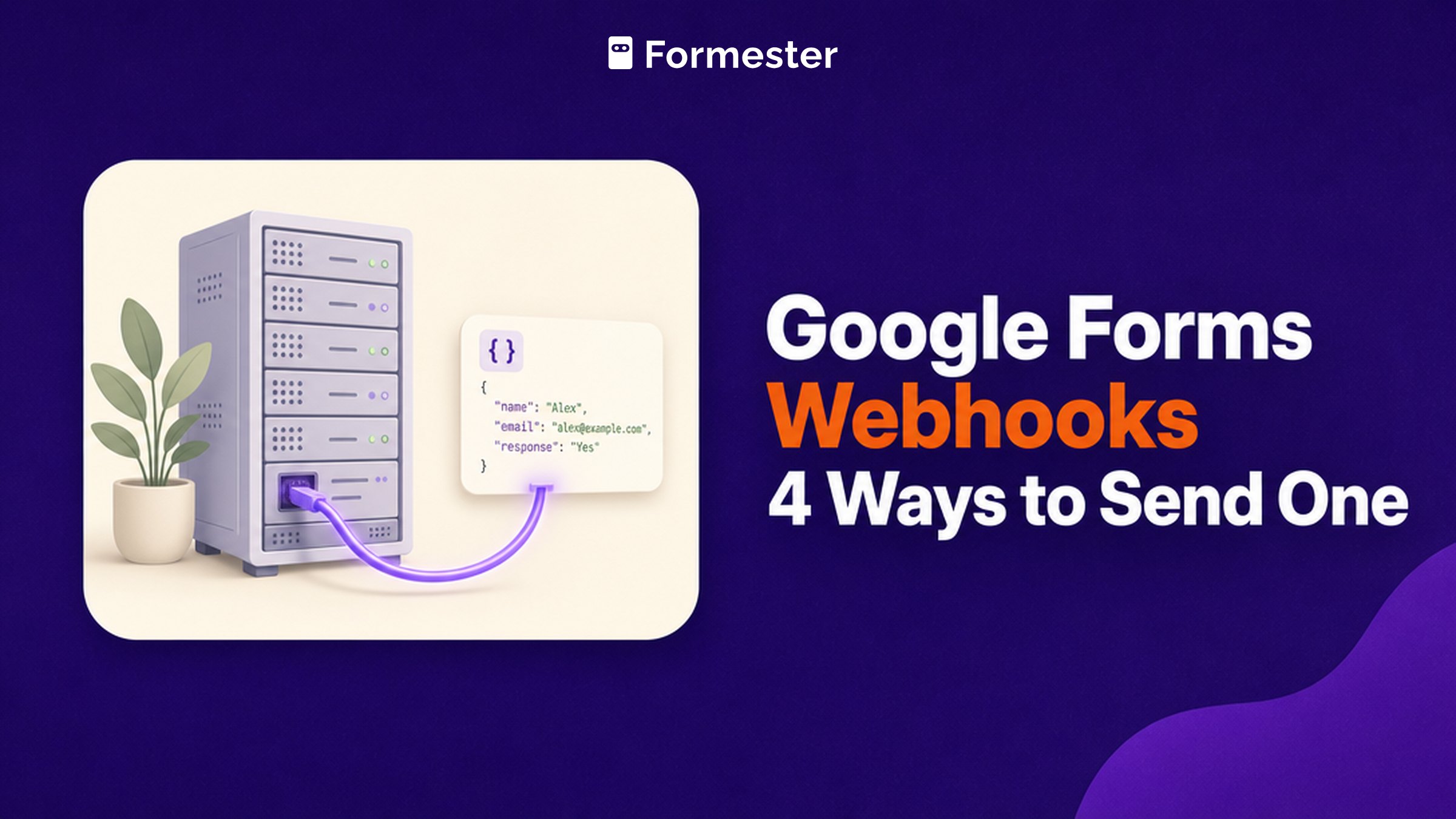
Google Forms Webhooks: 4 Ways to Send One
Google Forms has no webhook that posts to your URL. Here are the four routes that actually work, what each one costs you, and the seven-day expiry nobody mentions.
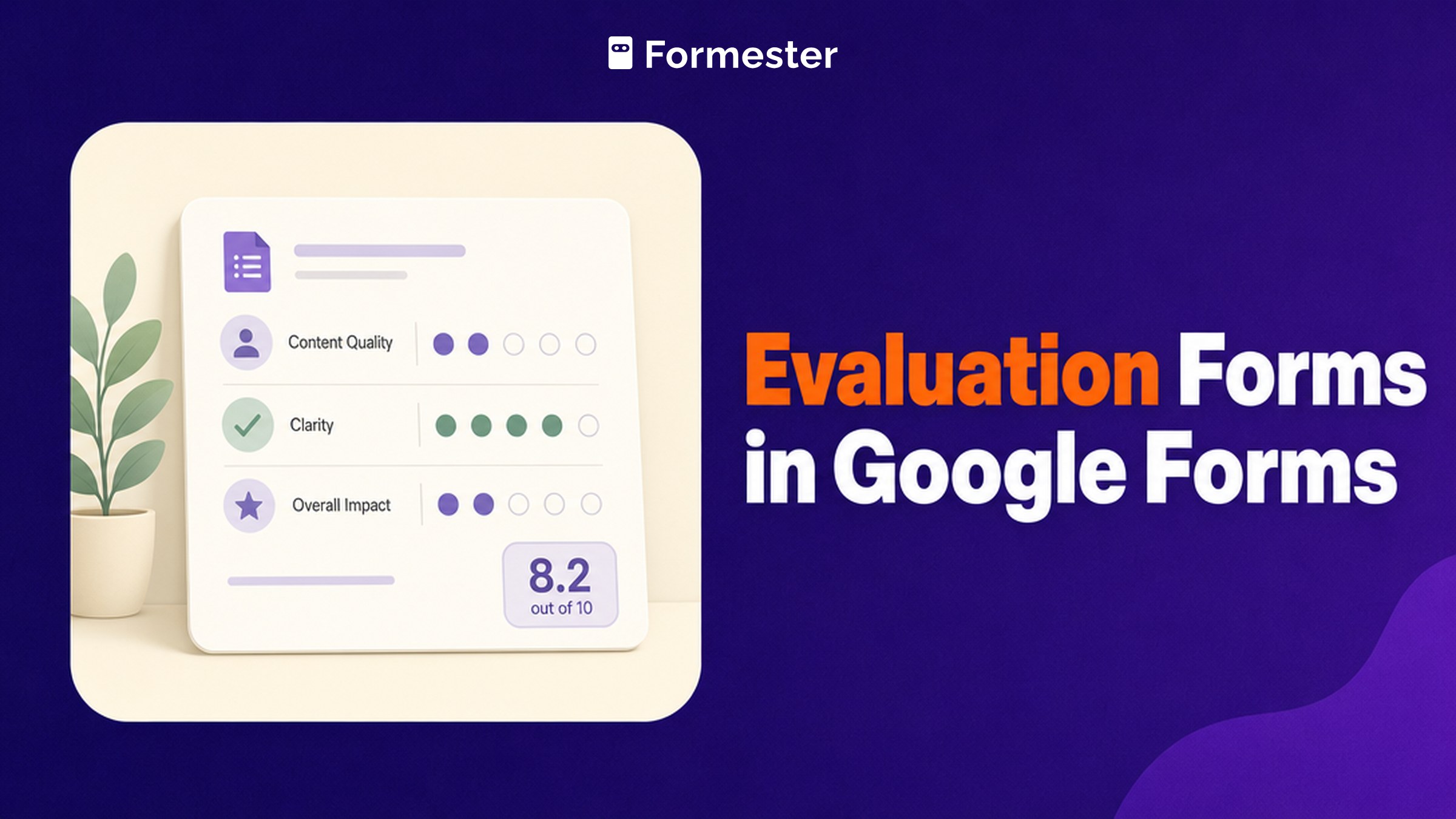
Evaluation Forms in Google Forms (and Where Scoring Breaks)
Build an employee, course or skills evaluation in Google Forms using rating scales and grids, and see exactly where its scoring and anonymity run out.
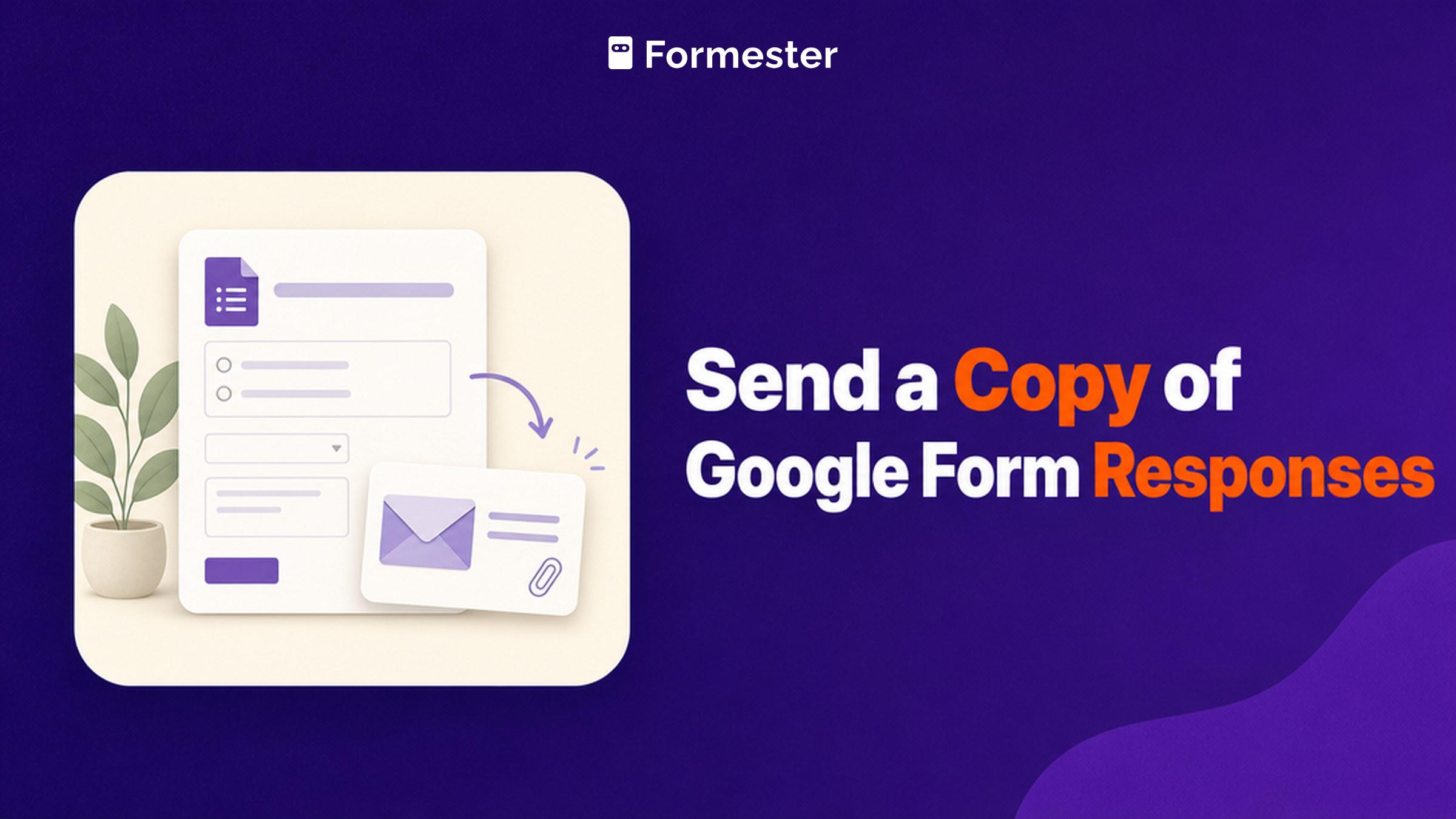
Send a Copy of Google Form Responses (All 3 Meanings)
Searches for sending a copy of a Google Form response cover three separate jobs: a respondent retrieving their own answers, an owner switching on receipts, and duplicating the form itself. Here is the answer to each.
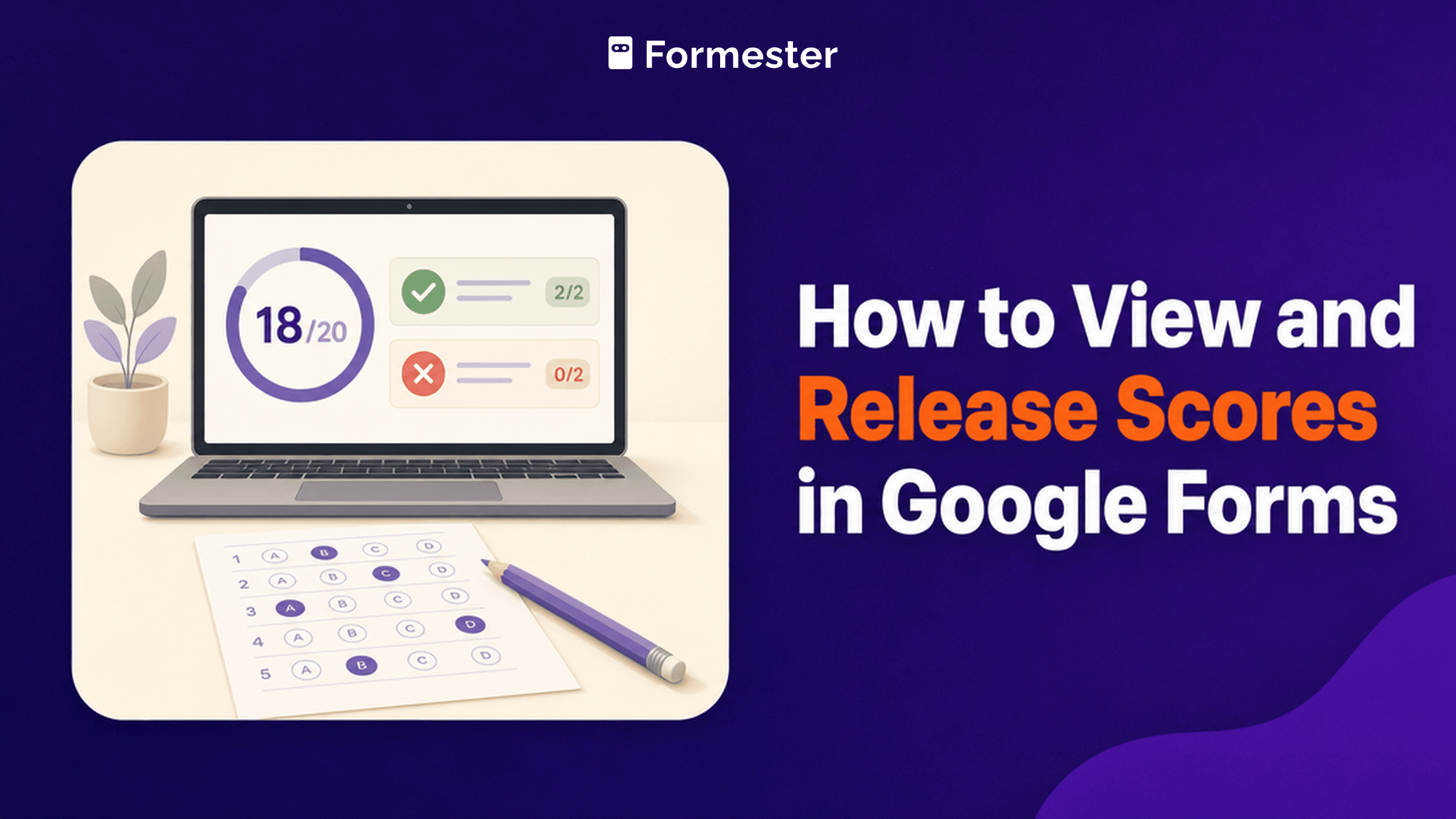
How to View and Release Scores in Google Forms
Google Forms hides quiz scores in three separate tabs, and one setting decides whether respondents ever see their own. This guide covers answer keys and points, both release modes, what respondents can and cannot see, and where Google Forms scoring runs out.
Form Limiter Add-On for Google Forms: Do You Need It?
Google Forms can now cap responses and close on a date without an add-on, but the setting is hidden behind Publish and you cannot use both at once. Here is where to find it, what the Form Limiter add-on costs now, and when it is still worth paying for.